Email deliverability / Recruitment & B2B teams
Inbox
Field Guide.
When good email goes missing.
Trace the sending route, read the evidence and find the next useful check.
Diagnose an email problemFree tools. No mailbox connection.
01 / Find your starting point
What happened
to the email?
A spam folder, a rejection and a quiet inbox need different checks.
02 / Selected field notes
A useful place to begin.
Why are my business emails going to spam?
An ordered checklist for outgoing business email. Find the sending route, inspect a real message and change one thing at a time.
Read the guideHow to test email deliverability without guessing
DNS checks, spam scores and inbox-placement tests answer different questions. Choose the one that helps your investigation.
Read the guideSPF, DKIM and DMARC pass. Why is email still in spam?
Authentication establishes identity, not an invitation to the inbox. Understand the result and the next checks.
Read the guide03 / The recruitment edition
Same agency.
Different sending routes.
Your ATS, automation and connected mailbox may send differently. Start with the product you use.
The recruitment field guide04 / Keep these to hand
Three tools. No sign-up.
Work through a symptom, read a header
or give IT a clear brief.
Email diagnostic
Three questions. An ordered next step for your symptom and sending route.
Start the diagnosticHeader explainer
Read recorded authentication results. No upload, DNS lookup or signature verification.
Read a headerIT handoff builder
Put the symptom and evidence into a brief. Copy, download or print it.
Build a handoffTool input stays in your browser. Guides cite provider documentation. Paid options are explained with their limits.
How this guide is written05 / When you need placement evidence
Put a test behind
the hunch.
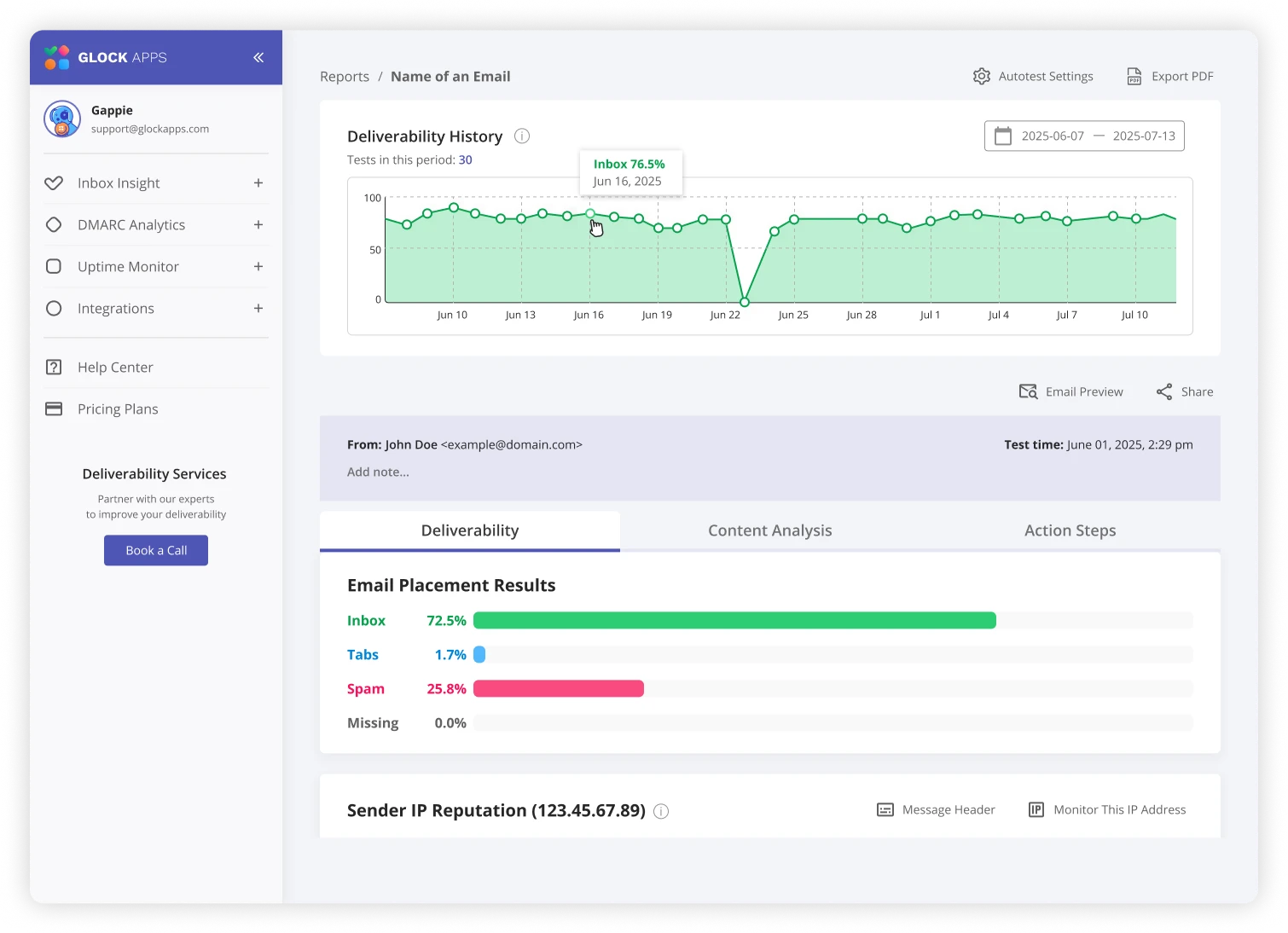
Your message says delivered. A candidate says spam. Learn how to run a controlled test and read the result without jumping to conclusions.
The recruitment testing walkthrough →
Ad / GlockApps affiliate link
Explore GlockAppsWe may earn a commission on eligible purchases. How links are funded.